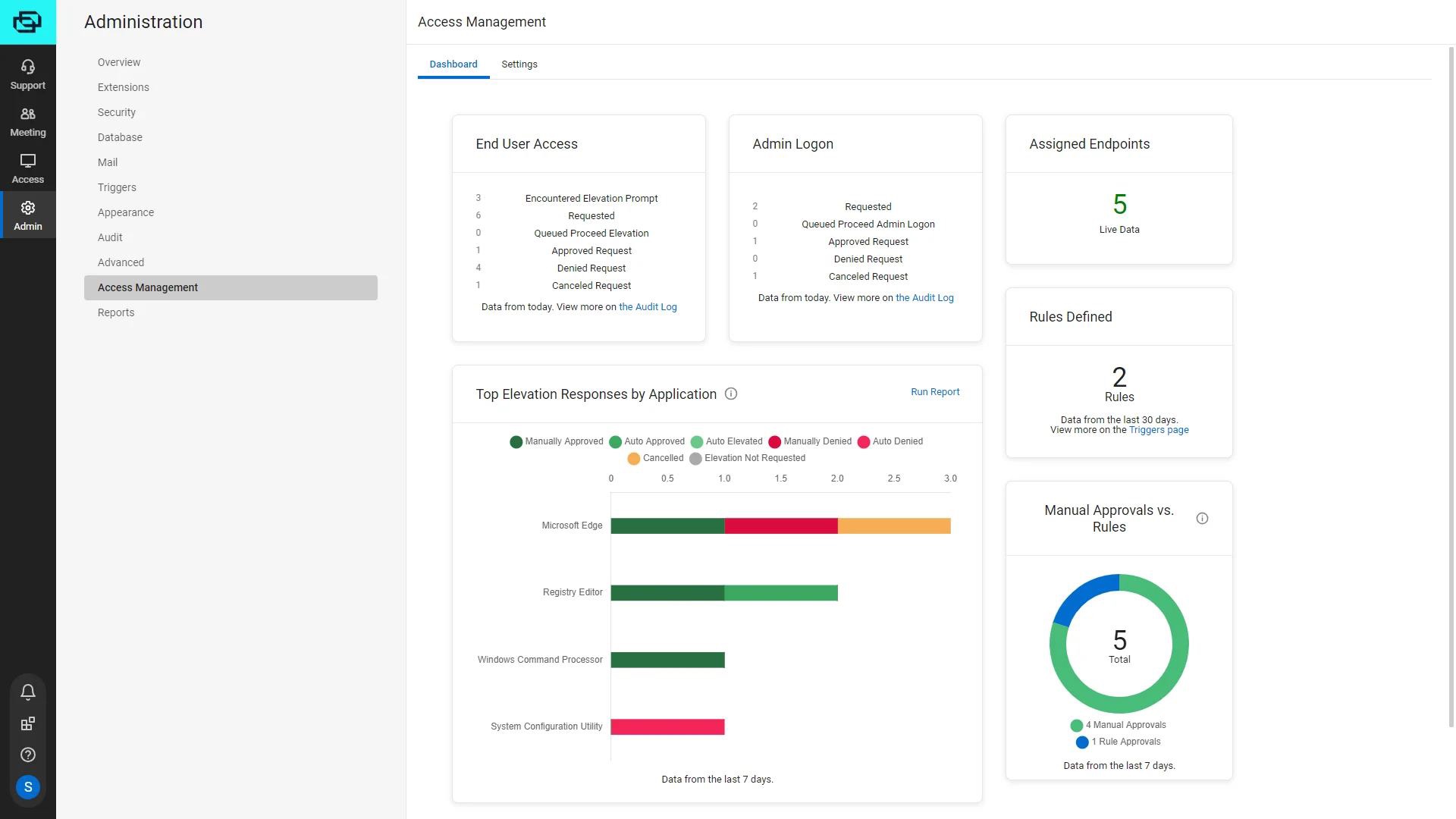
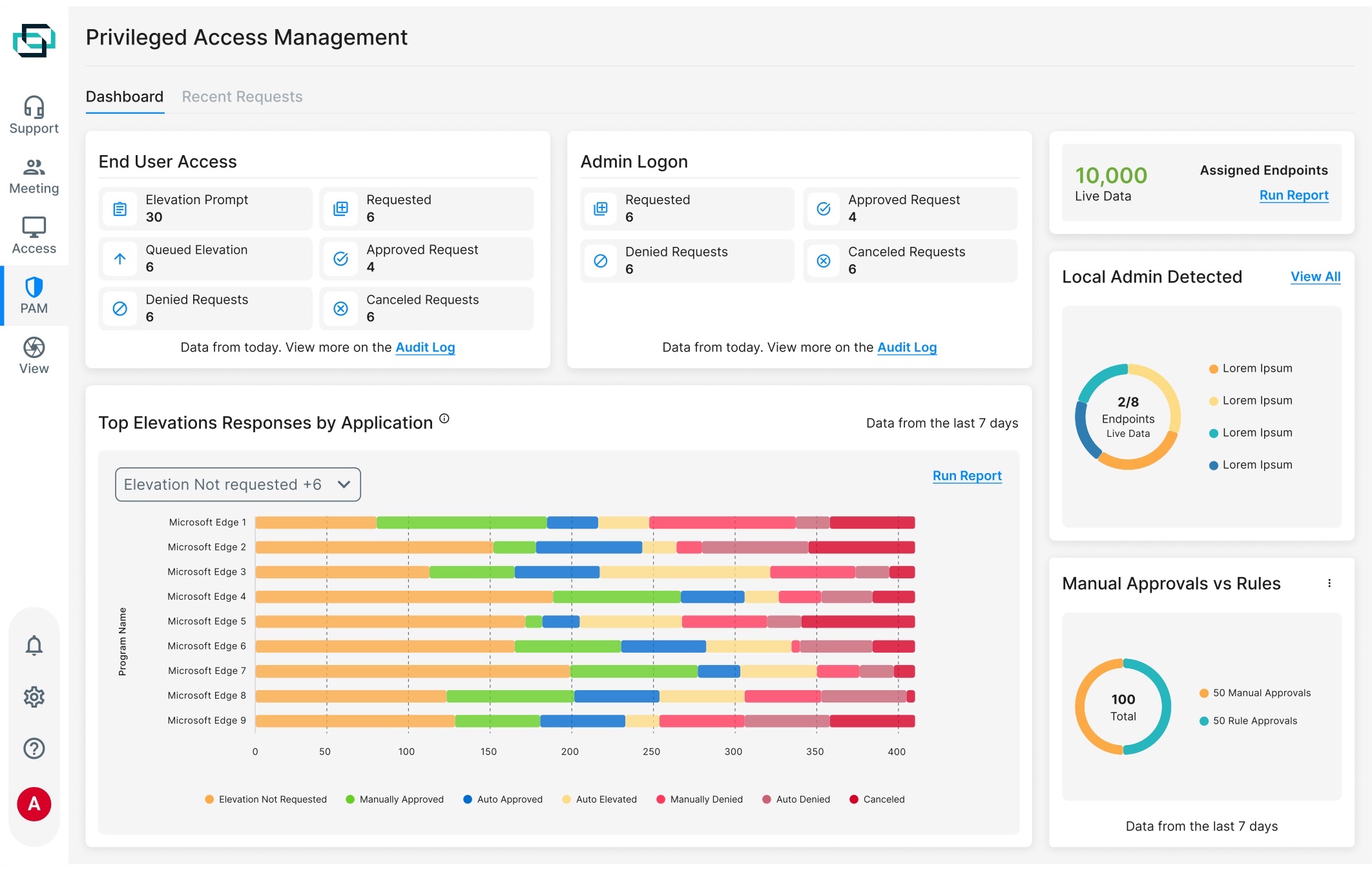
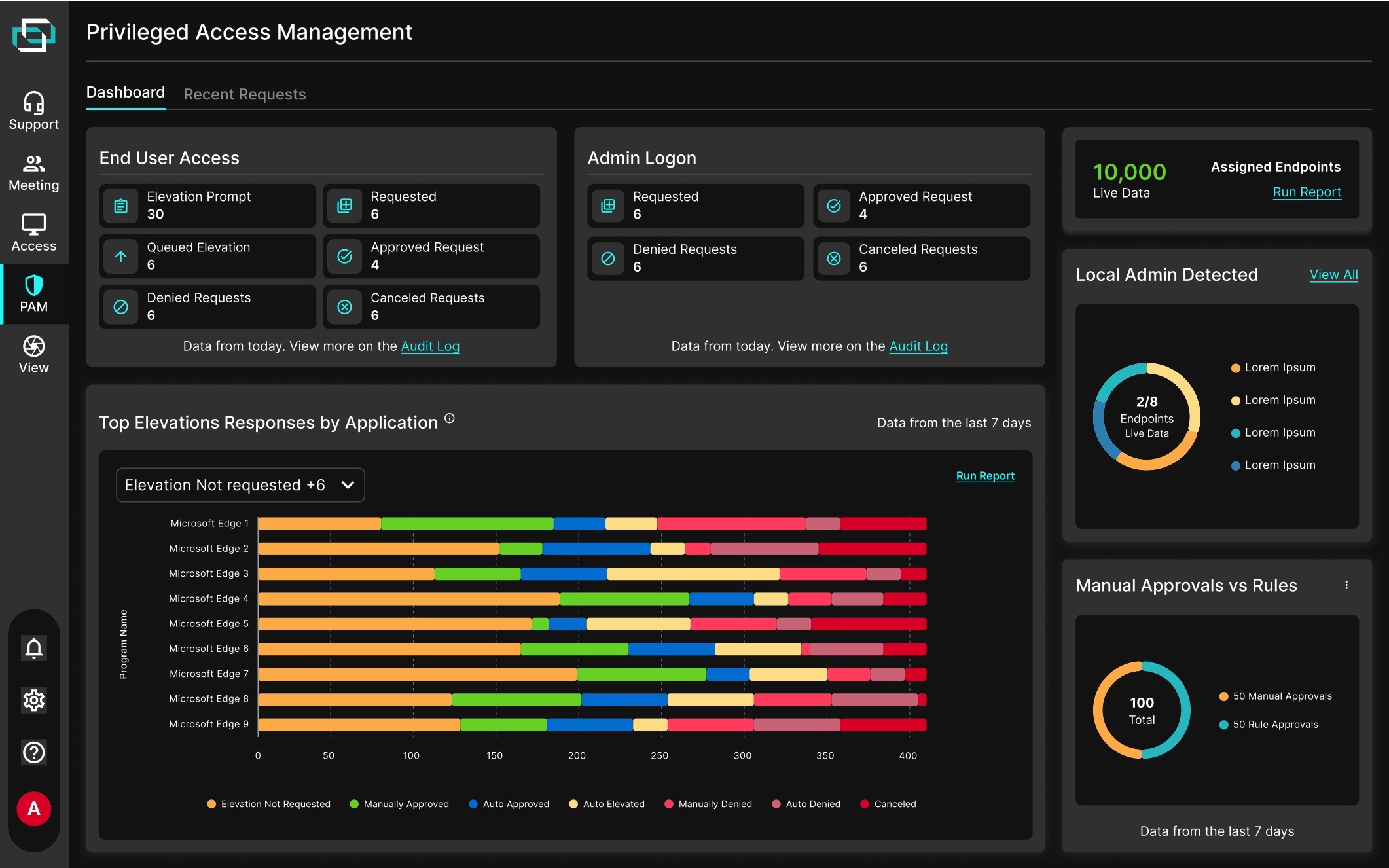
A secure remote-desktop platform IT professionals, help desks, and MSPs use to troubleshoot, manage, and access computers and mobile devices from afar. I redesigned its Privileged Access Management dashboard during a rebrand.
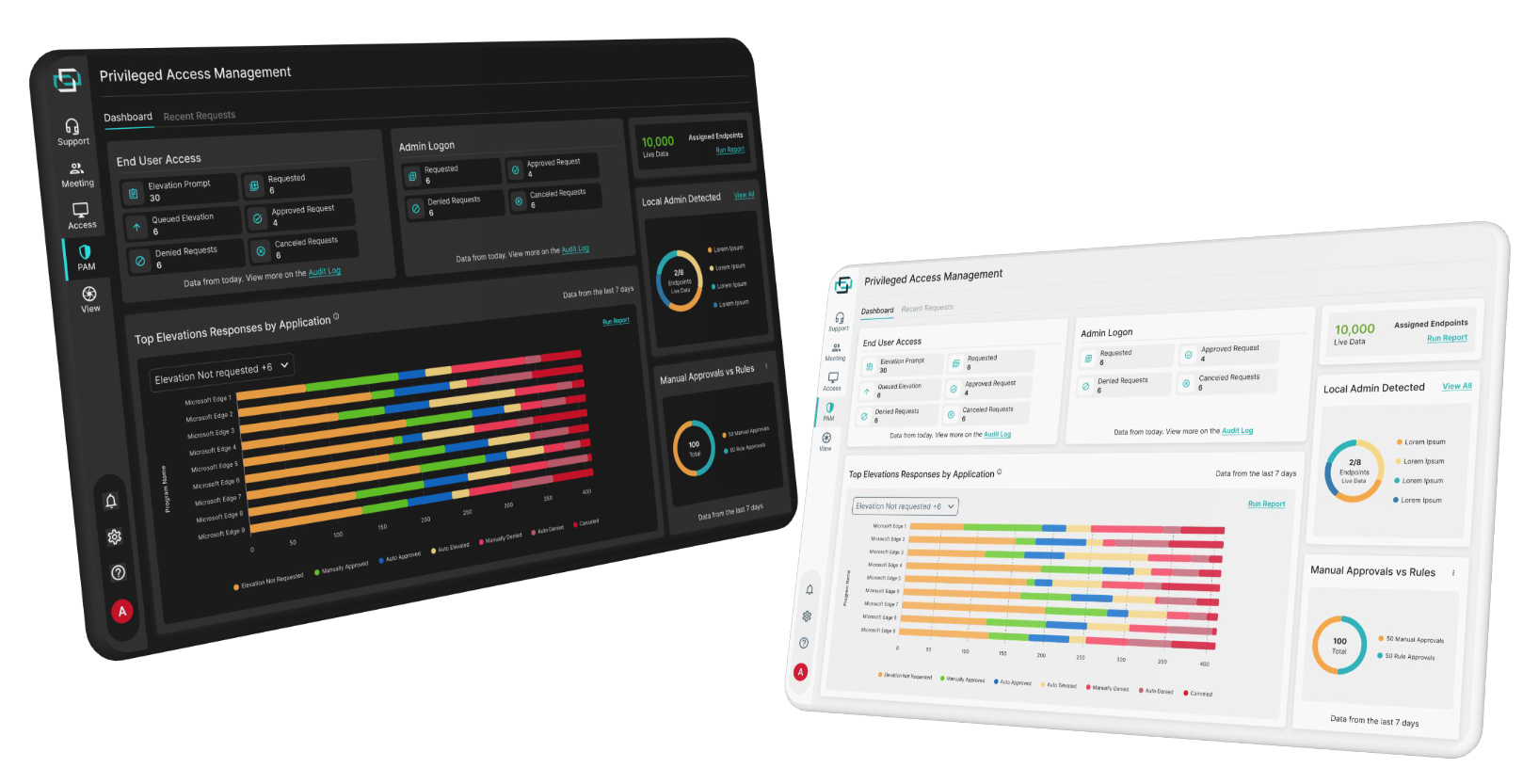
ScreenConnect was going through a rebrand, and its product services and dashboard were due for a redesign to match.
The existing experience wasn't as effective as it could be at giving technicians permissions. It lacked clarity, drifted from the new brand, and fell short of the modern design users expect. The goal was an experience that:
Monitored permissions clearly
Made everyday use easier
Met modern design standards
Redesign the product without losing the brand's new identity — and keep customization alive for users.
To make sure the redesign solved the right problems, I started by analyzing traffic data to the platform — then layered in qualitative evidence.
From there, three findings shaped the work:
Major inconsistencies, from color contrast to keyboard navigation.
The design system underneath the dashboard was inconsistent and hard to build on.
Unclear permission states opened the door to potential fraud risks.
Balancing brand expression with a clean, functional layout that wouldn't overwhelm users.
Working within existing components to keep consistency across ScreenConnect's digital ecosystem.


Open to full-time roles, freelance projects, and conversations about design that moves the needle.